You capture. We sort, so you can find it again.
What you need to know to use it: the four tabs, your first days, and what happens when you have several devices. Not installed yet? The first steps are on the Download page.
Only one thing to do: capture whatever crosses your mind.
No folder to choose, no title to come up with, no tag to add. You capture a sentence, you close the app. The rest happens without you.
Anything, in one sentence
A project idea, your sister's birthday, a film someone just recommended, a recipe, how you felt after a meeting. Two seconds, by voice or by keyboard.
Marc told me about a book on old maps, need to find it
Ten seconds or so later
Your sentence is read and broken down: who, what, when, something to do or not. Each piece goes where it will be useful, and links up with what you had already captured.
Without remembering where it was
You do not look for a file: you open Marc's card, and everything about him is already there, this sentence included. Or you let the digest bring it back to you.
Four tabs. There is nothing else.
It is the question we hear most. Here is the whole app, and what each tab holds.
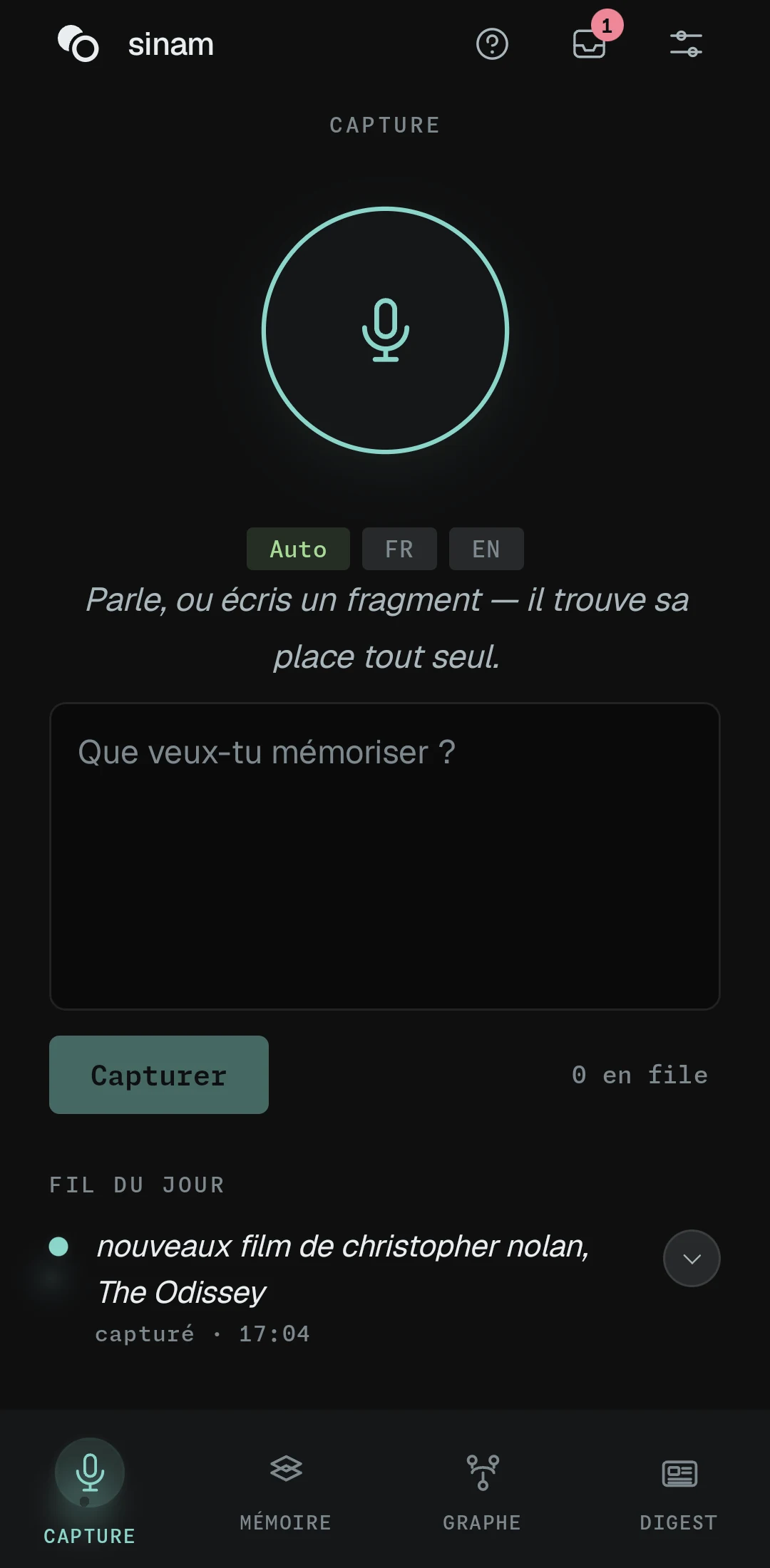
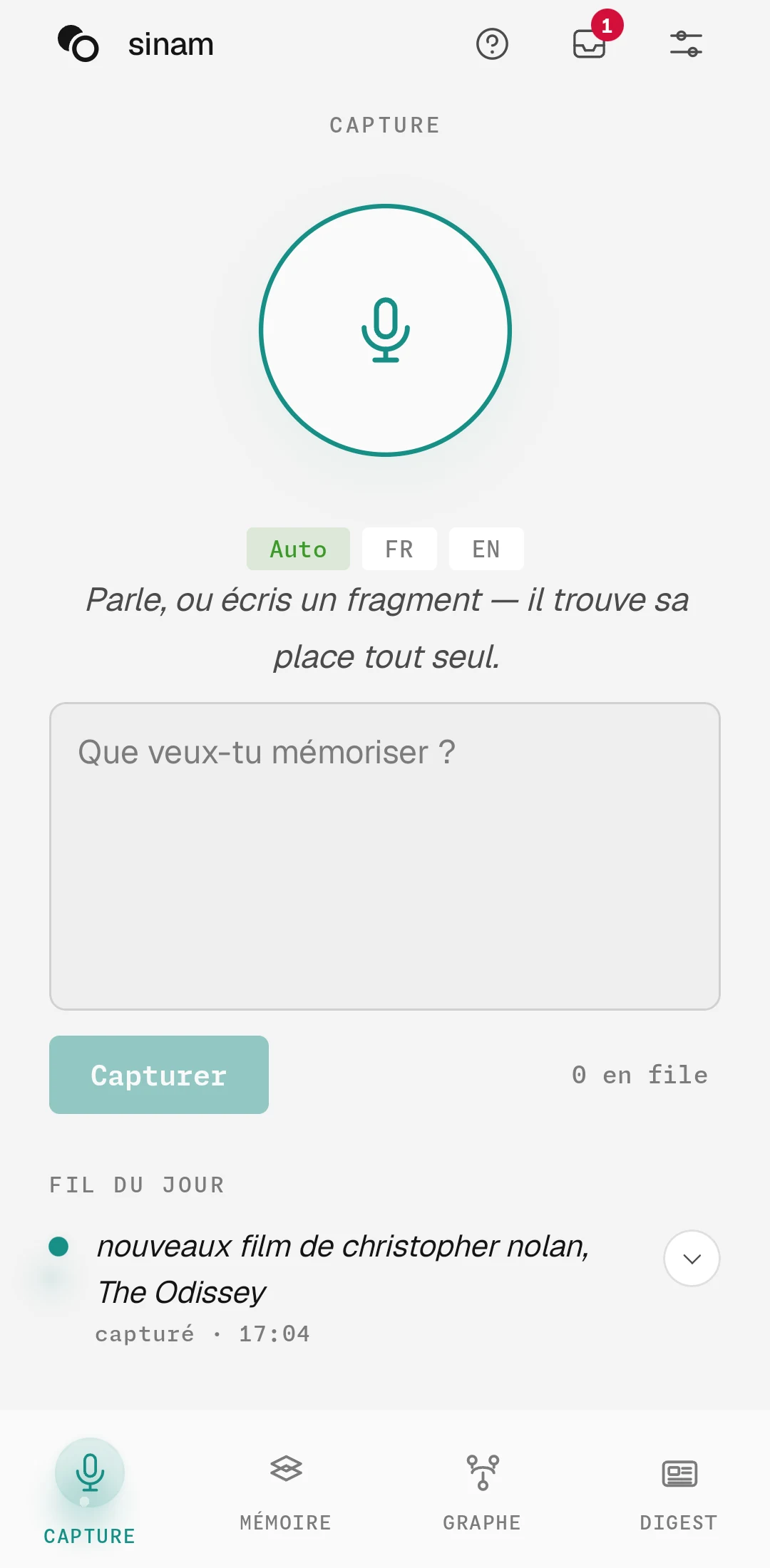
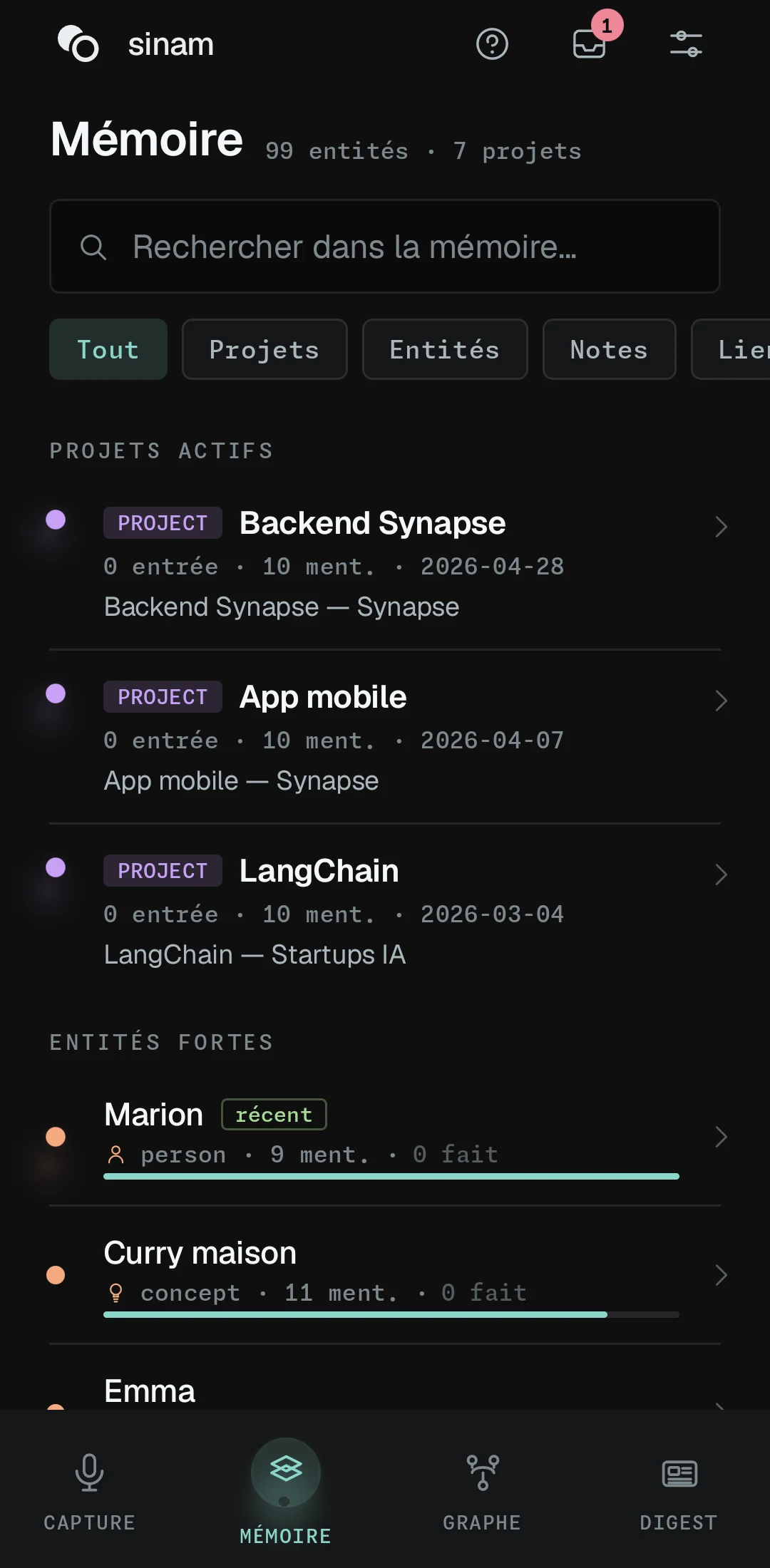
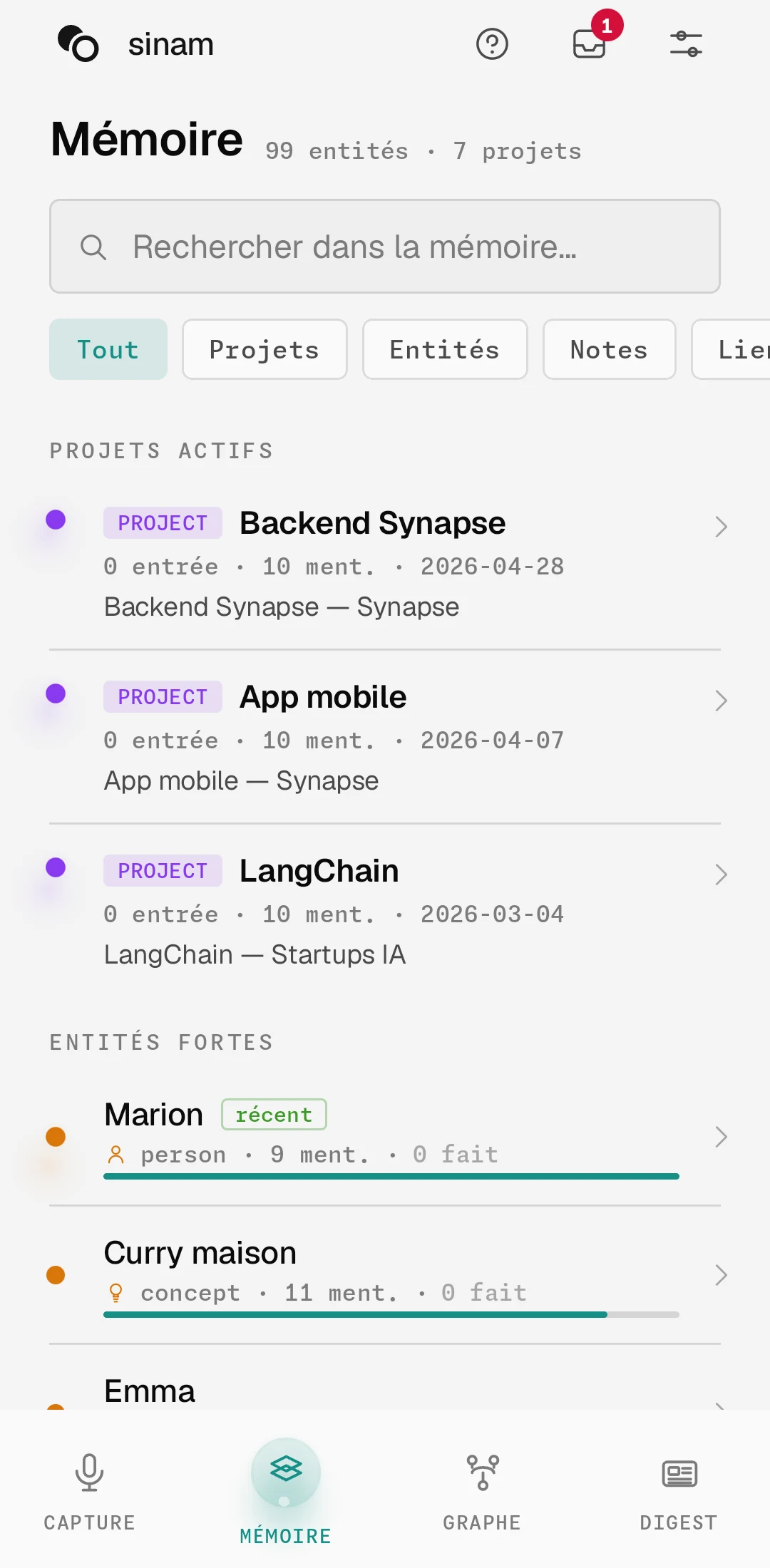
Capture
The field where you capture, and the feed of your day just below. You see what you just dropped in, and what was made of it as soon as it is ready.
It is the only tab you need in the first few days.
Memory
Everything built from your sentences, arranged in six views. A card for each person, place and topic, with its dated facts and the capture they came from.
Anything the sorting was unsure about waits in the To review queue, behind the badge at the top of the screen, on all four tabs. Nothing is thrown away silently.
Graph
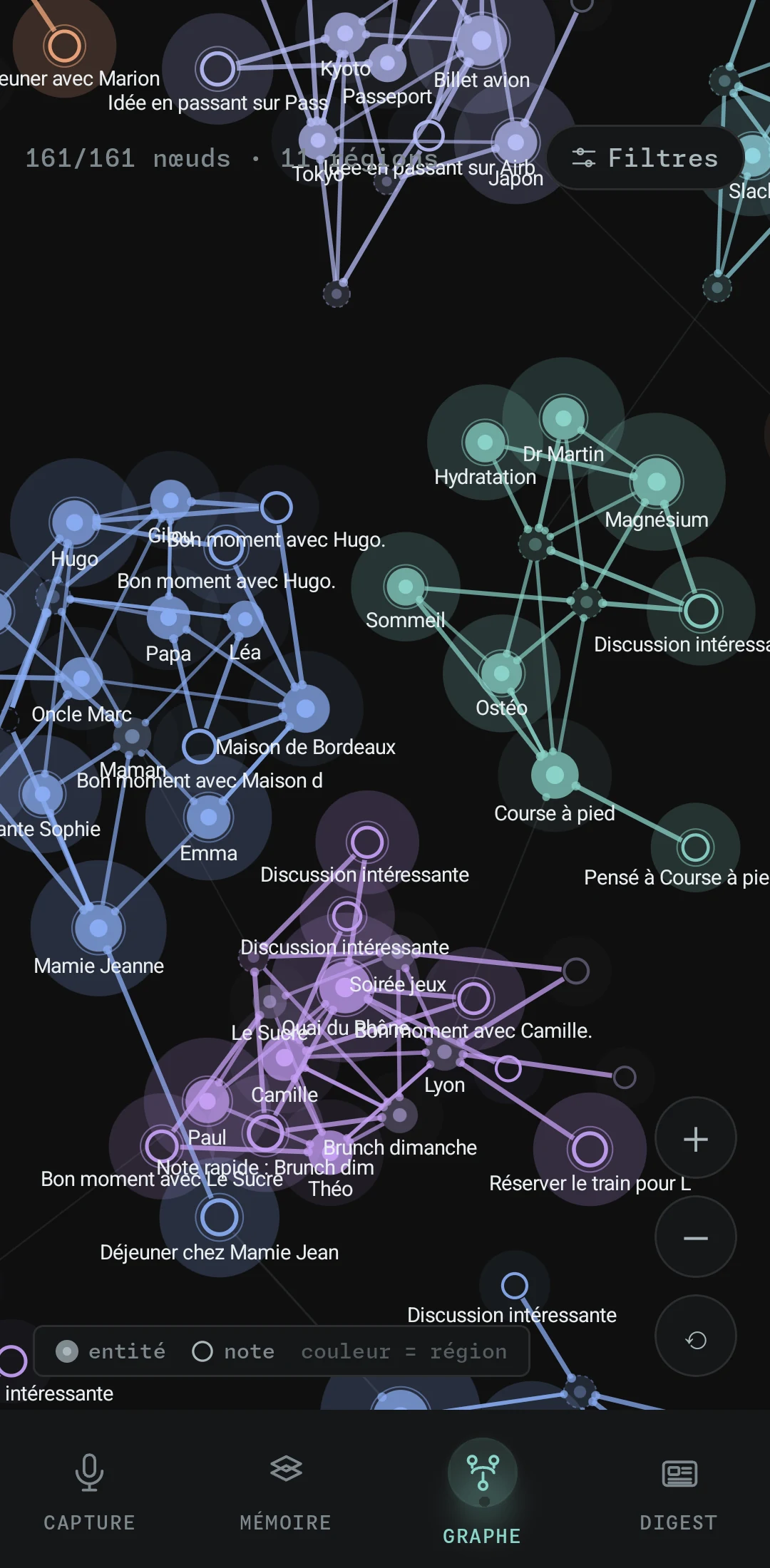
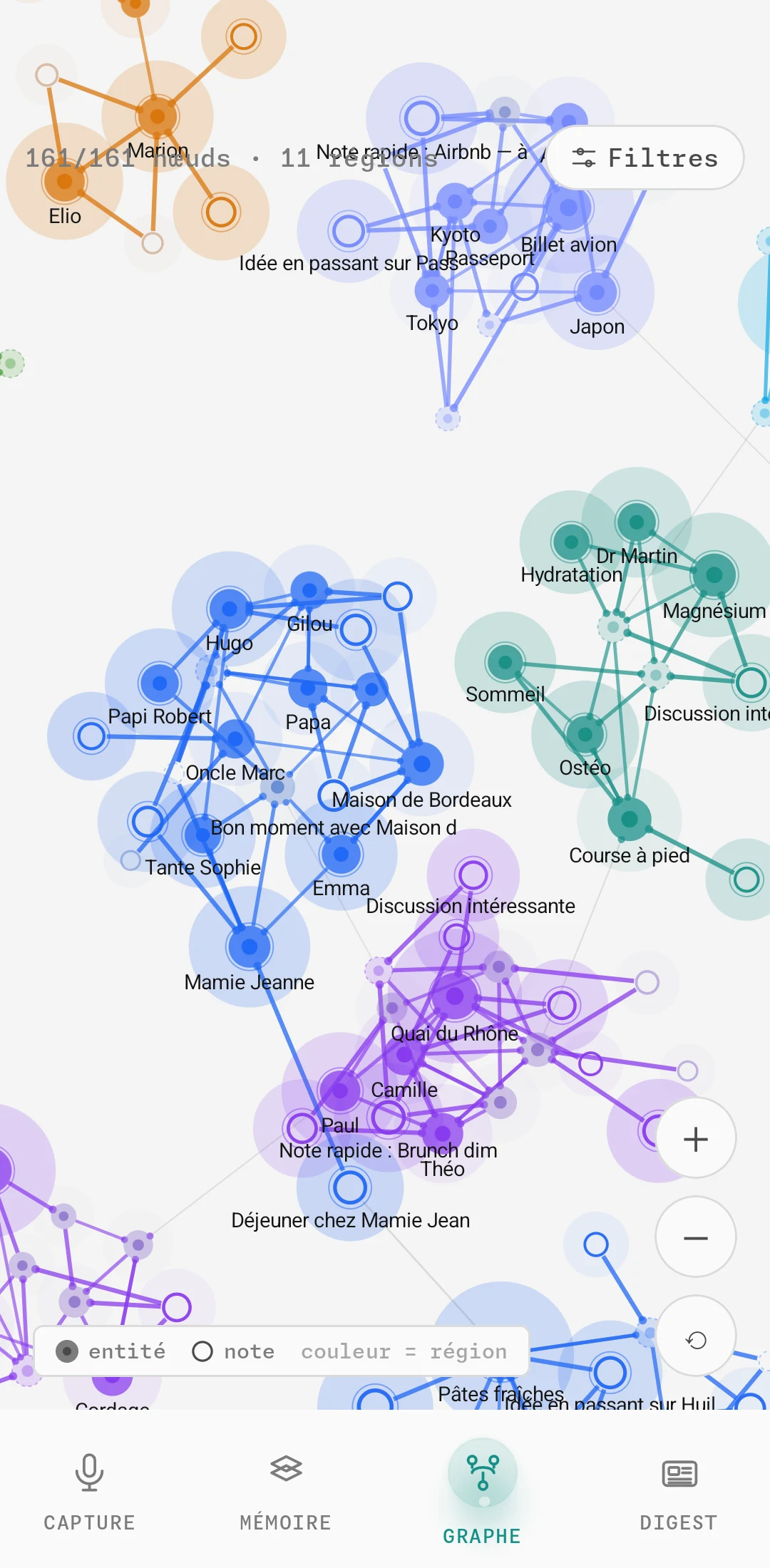
The same memory, seen from above. Groups form on their own, colour shows the region, a disc is an entity and a ring is a note, and what fades is what you are starting to forget.
It is a map for rediscovering, not a filing tool. Click a point and its card opens.
Digest
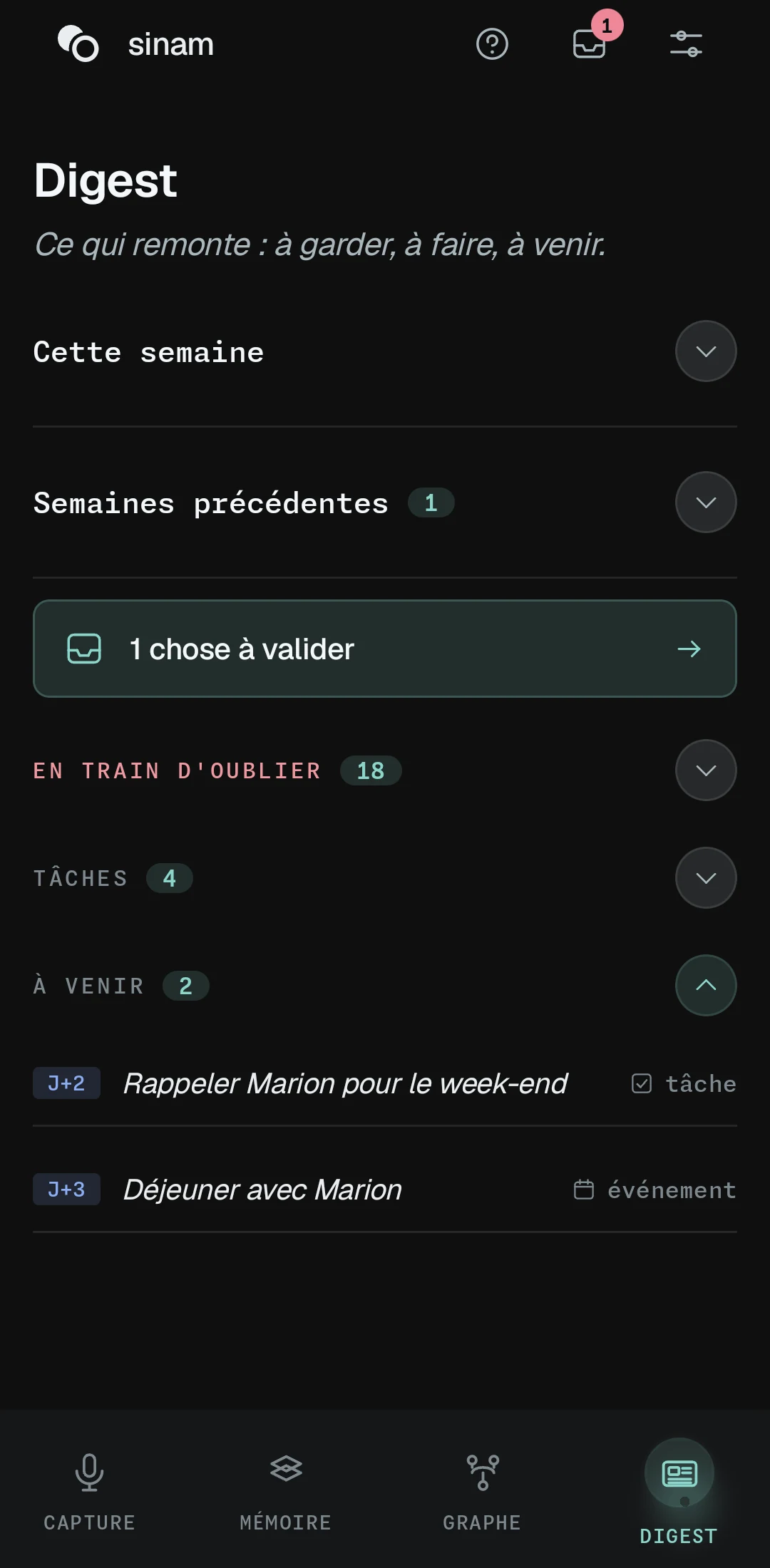
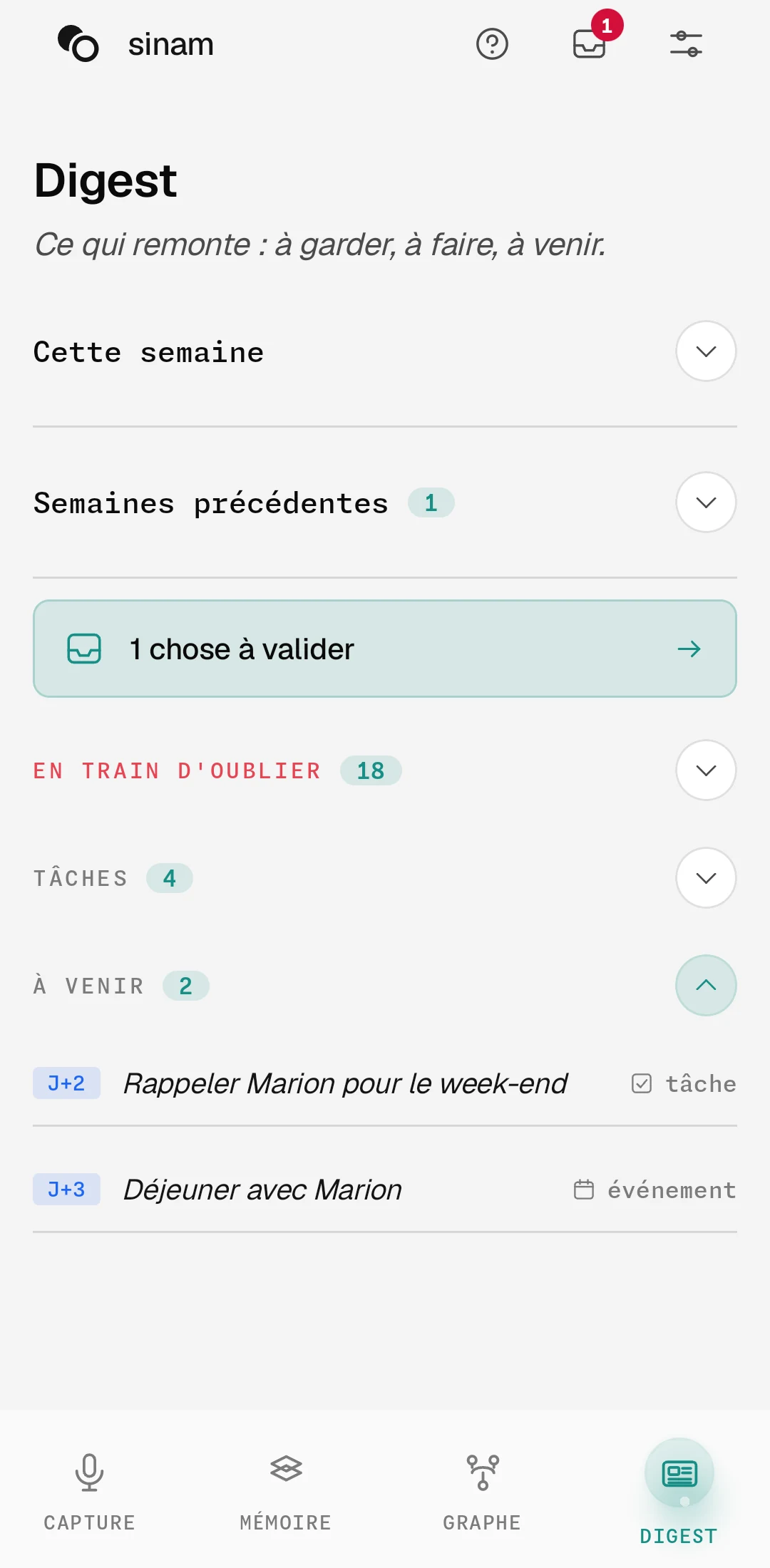
What surfaces on its own: to keep, to do, coming up. It is the reason to reopen the app when you have nothing to put in it.
What to expect, week after week.
sinam is not much use on the first evening. It becomes useful when your sentences start to cross paths.
Capture, and watch
Capture a few sentences, about anything at all. Stay on the Capture tab: ten seconds or so later, what sinam understood appears under each one.
Your memory looks empty
That is normal: there is nothing to link yet. Cards appear for the people and places you mention. Anything the sorting is unsure about waits in To review, the badge at the top of the screen.
The links arrive
A sentence you capture meets a sentence you had forgotten. The cards fill up, the graph takes shape, and Saturday's Digest brings back what matters.
One memory, on everything you own.
Each device keeps a full copy and can be read offline. What you capture without a connection goes out on its own once you are back on Wi-Fi.
Linking a second device
On the device that already has your memory: Settings, Devices, Add a device. On the new one, “Join my existing memory”, then scan the QR code, or type the six-digit code on a computer. The first device asks for your approval, naming the one that wants in.
Both devices must be on the same Wi-Fi, and the one that has your memory must be switched on. That goes for linking the devices and for every sync after that: what you capture while out goes out on its own when you get back.
One device weaves, the others follow
The background work happens in one place only: sorting captures, summaries, forgetting, the digest. That device is called the weaver.
The others capture, read everything, and edit whatever they like. They simply send their work to the weaver, which goes over it.
Weave my memory on this device, in Settings, moves this role to the device in your hand. The previous one stops at its next sync. Handy when your computer goes in for repair.
Two devices edit the same card at the same time? The most recent change wins, field by field. Nobody overwrites a whole day.
Three things that throw people at first.
Nothing is erased, things fade
What you never reopen loses strength and leaves the foreground, without disappearing. The digest offers it to you one last time, with a way to keep it. A memory that keeps everything at the same level is no use at all.
You do not have to correct the sorting
Whatever it was unsure about lands in To review, and you decide when it suits you. It is not a chore to keep up with: leaving it for later breaks nothing.
It is not a notes app
Your sentence is not filed as is in a folder. It is read, broken down, linked. You will not reopen your note: you will open someone's card, and find it in there.
The rest you learn in a week of use.
There is no method to adopt, no system to maintain. Capture whatever crosses your mind, and come back to the digest on Saturday.
A second brain that sorts itself, on your own devices.
Product
- How it works
- Features
- Download
- Pricing
- Documentation under construction
- Changelog under construction
Around
- Community
- Sila–Nunam
- Français · English